Export icons
Copy an icon as SVG, animated SVG, a web component tag, or source for your library.
Export is at the bottom of the inspector.
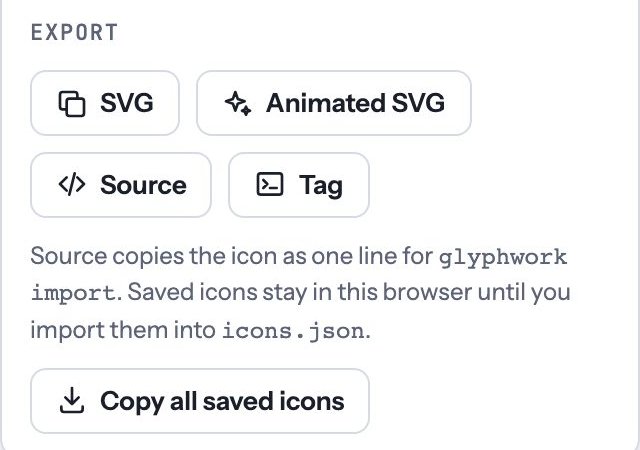
| Button | Copies |
|---|---|
| SVG | The icon as an SVG file, in the style shown on the board |
| Animated SVG | The icon with its current motion built in. With no motion, the Animation you picked (party if none). |
| Source | One line describing the icon and its motions: a backup you can keep, or send with an icon request |
| Tag | A ready <gw-icon> tag with the name, style and motion. Tags work for icons in the Glyphwork library; for icons you drew, use SVG. |
Each button copies to your clipboard. If your browser blocks that, the text appears selected so you can press ⌘ C.
Animated SVGs need no script: they play in an <img> tag, in emails that show images, and in slides.