Turn an image into an icon
Trace a logo, silhouette or sketch onto the 24 grid with Image → icon.
Click Image → icon at the top of the Studio.
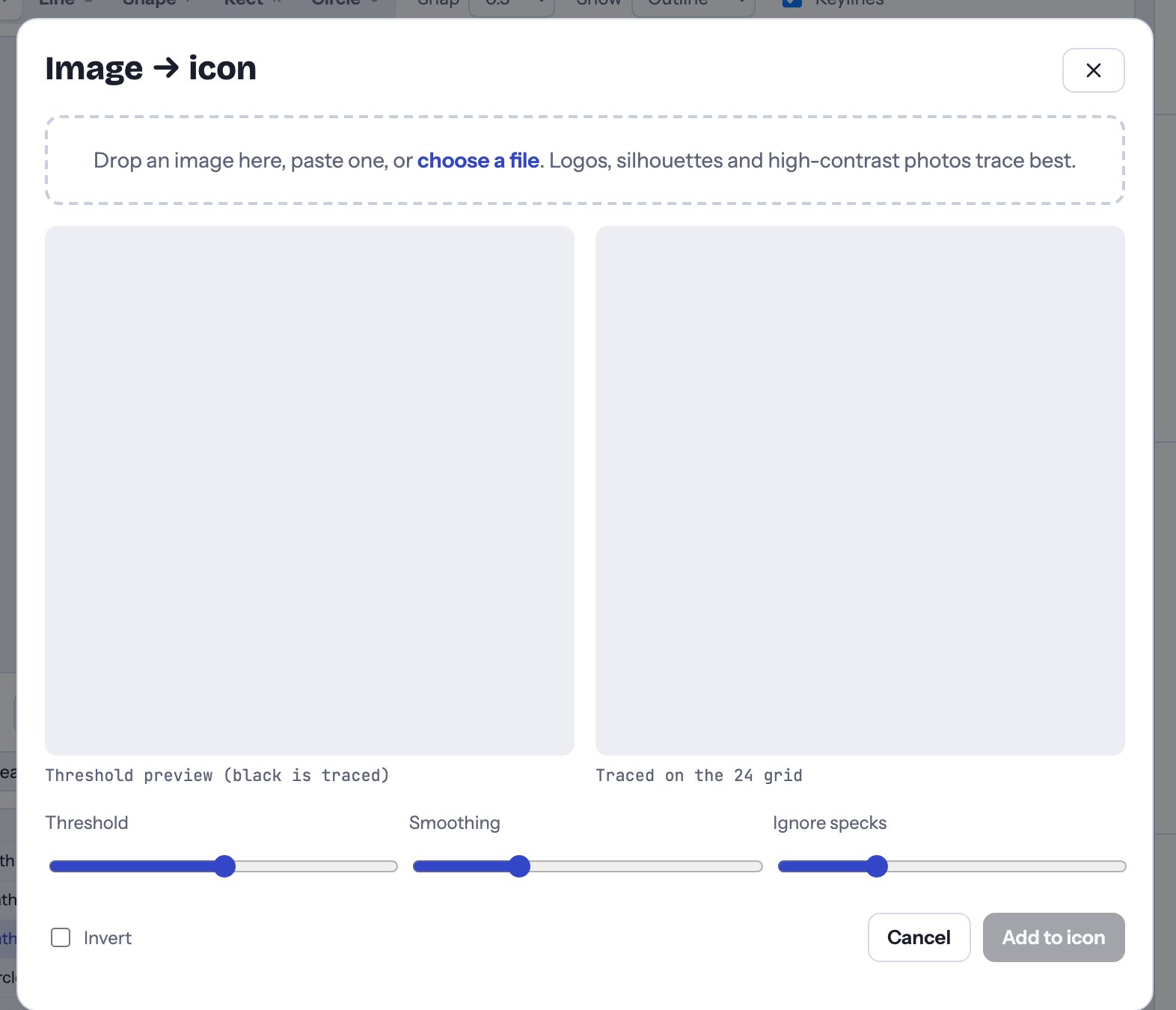
- Drop an image on the window, paste one, or click choose a file. Logos, silhouettes and high-contrast photos trace best.
- The left preview shows what will be traced: everything black.
- The right preview shows the result on the 24 grid.
- Adjust:
- Threshold: how dark a pixel must be to count as black.
- Smoothing: higher values make simpler, rounder curves.
- Ignore specks: drops tiny bits of noise.
- Invert: traces the light parts instead, for a white logo on a dark background.
- Click Add to icon. The tracing joins the icon as a body shape you can edit like any other.
Holes are kept, so a letter “O” or a donut stays hollow.
Trace, then tidy: drag a few points to sit on the grid and the icon will match the rest of the set.